
Add video, audio and screen recording directly to your website or app.
Embed our browser recording client in forms, surveys or custom applications. AddPipe handles the infrastructure behind your recordings, from processing and management to storage and playback.
14-day free trial. No credit card required.
- 1Streams while recordingwaiting to record↑ 3.1 MB so far↑ 3.1 MB · no wait at the end
- 2Processingafter stoptranscode · 1/55 outputs → your S3 bucket
- 3Your app gets notifiedwhen the file landssending webhook…webhook · 200 OK
Trusted by teams who need recording that scales:






One pipe from the user's camera to your bucket.
Five stages, handled by AddPipe. Get MP4 recordings, metadata and playback links, with storage you choose and webhooks that tell your app when files are ready.
Process
Every recording is transcoded to .mp4, rotated and watermarked as needed.
Store
1 TB included with us, or pushed straight to your S3, GCS, R2, SFTP, Dropbox or Box.
Play
You get playback and download links ready to embed or link anywhere.
A recording client that works across browsers and devices.
Tested on real desktop and mobile devices. Video up to 4K, audio and screen recording, streaming uploads, connection retries and a decade of workarounds for browser bugs and inconsistencies, in 80 kB of gzipped JavaScript. Explore how it's built & tested.
A decade in production. Proven at scale.
AddPipe launched commercially on 1 February 2016. This is what the platform carries today.

United States
US1N. CaliforniaUS2New York + N. Virginia
Europe EU-hosted
EU2Nuremberg + AmsterdamEU3Falkenstein + Amsterdam
2 regions · 4 availability zones
Infrastructure built for uploads over unreliable connections.
Large files, unstable connections and peak demand. Our infrastructure is built to handle all three.
EU and US ingestion & processing regions
Faster uploads for your users and a clear answer to data-residency questions, with an EU silo for data that must stay put.
Two availability zones in the EU and US
Either zone carries the region alone, so updates roll out without downtime and the client falls back if one refuses.
200k+ recordings a day, per region
Tested at that volume in production, so peak days on your side aren't a surprise on ours.
Webcam to your storage
Browser streams become optimized MP4 files and land in the bucket you choose.
Simple to embed. Four APIs when you need more.
Start with embed code or npm. Use JavaScript Control and Events APIs, REST and webhooks to customize recording, manage recordings and automate your workflow.
<!-- 1. load the client -->
<script src="https://cdn.addpipe.com/2.0/pipe.js"></script>

<!-- 2. mount it -->
<div id="recorder"></div>
<script>
  PipeSDK.insert("recorder", {
    size: { width: 640, height: 390 },
    qualityurl: "avq/720p.xml",
    accountHash: "YOUR_ACCOUNT_HASH",
    eid: "YOUR_ENV_ID",
    mrt: 120            // max recording time (s)
  }, function (recorder) {
    recorder.onSaveOk = function (id, name, dur) {
      console.log("saved", name, dur + "s");
    };
  });
</script>
// npm i @addpipe/pipe-recording-client
import PipeSDK from "@addpipe/pipe-recording-client";

PipeSDK.insert("recorder", params, (recorder) => {
  // control the client
  document.querySelector("#start")
    .addEventListener("click", () => recorder.record());

  // react to events
  recorder.onRecordingStarted = () => setStatus("recording");
  recorder.onSaveOk = (id, name, duration) => {
    setStatus("uploaded");
    save({ id, name, duration });
  };
});

// React? use the hook instead:
// npm i @addpipe/react-pipe-media-recorder
// POST from AddPipe to your server on video_converted
{
  "version": "2.0",
  "event": "video_converted",
  "data": {
    "videoName": "a1b2c3d4",
    "duration": 42.7,
    "videoUrl": "https://…/a1b2c3d4.mp4",
    "payload": "user_8812"
  }
}
Embed codes and npm package
Add the client to any page or SPA with the embed code or the npm package.
JavaScript and REST APIs
Drive the client with the JS control API, listen with the events API, and read all recordings and account data as JSON over REST.
Webhooks
Webhooks notify your server the moment a recording is processed or stored.
Plugins, examples and docs
A WordPress plugin, working code examples, tutorials from Qualtrics to Google Cloud Storage, and documentation that gets you to a first recording fast.
Need help integrating?
Contact us directly. For work beyond AddPipe, our custom development partners can help.
Everything about a recording, a few clicks away.
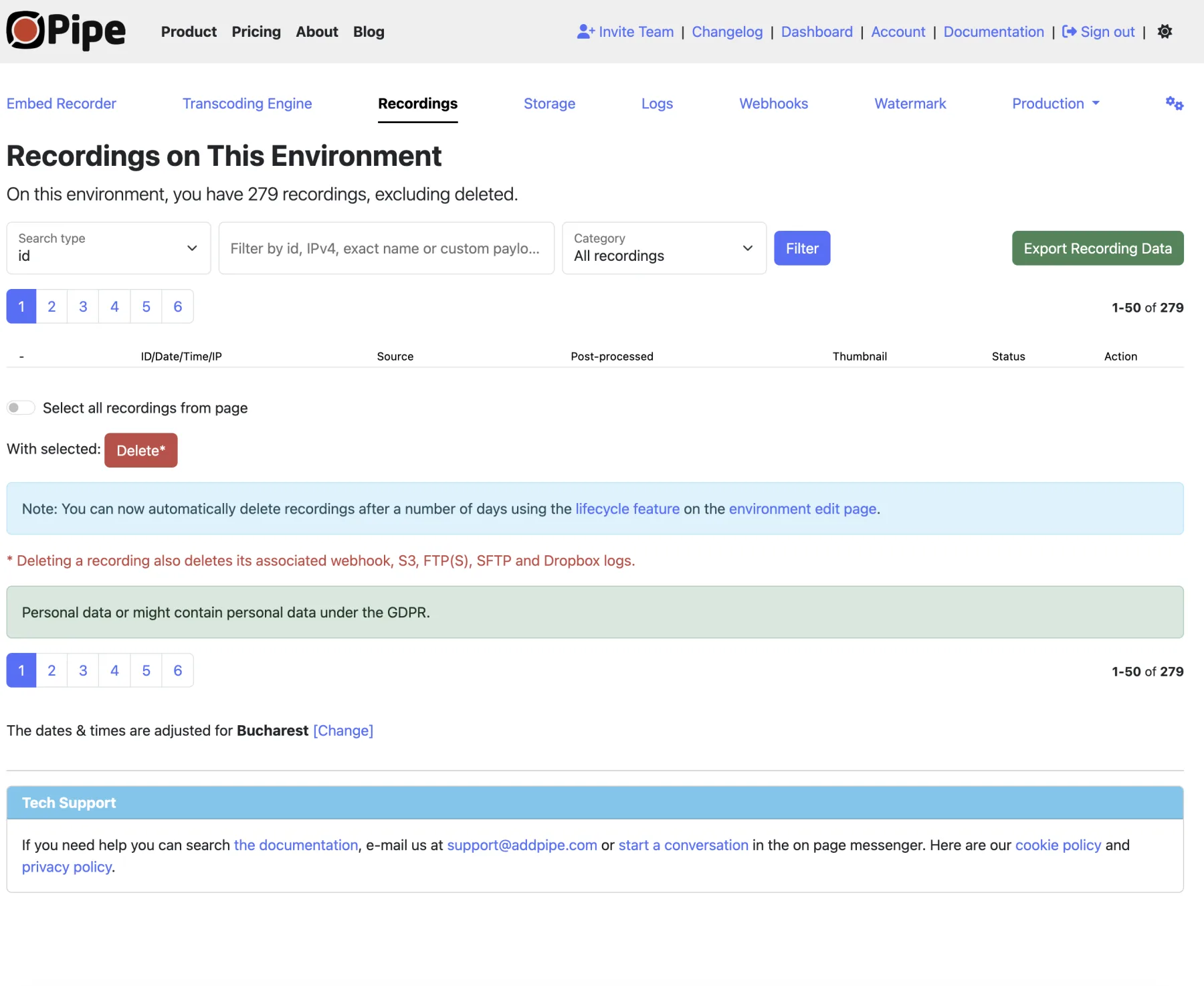
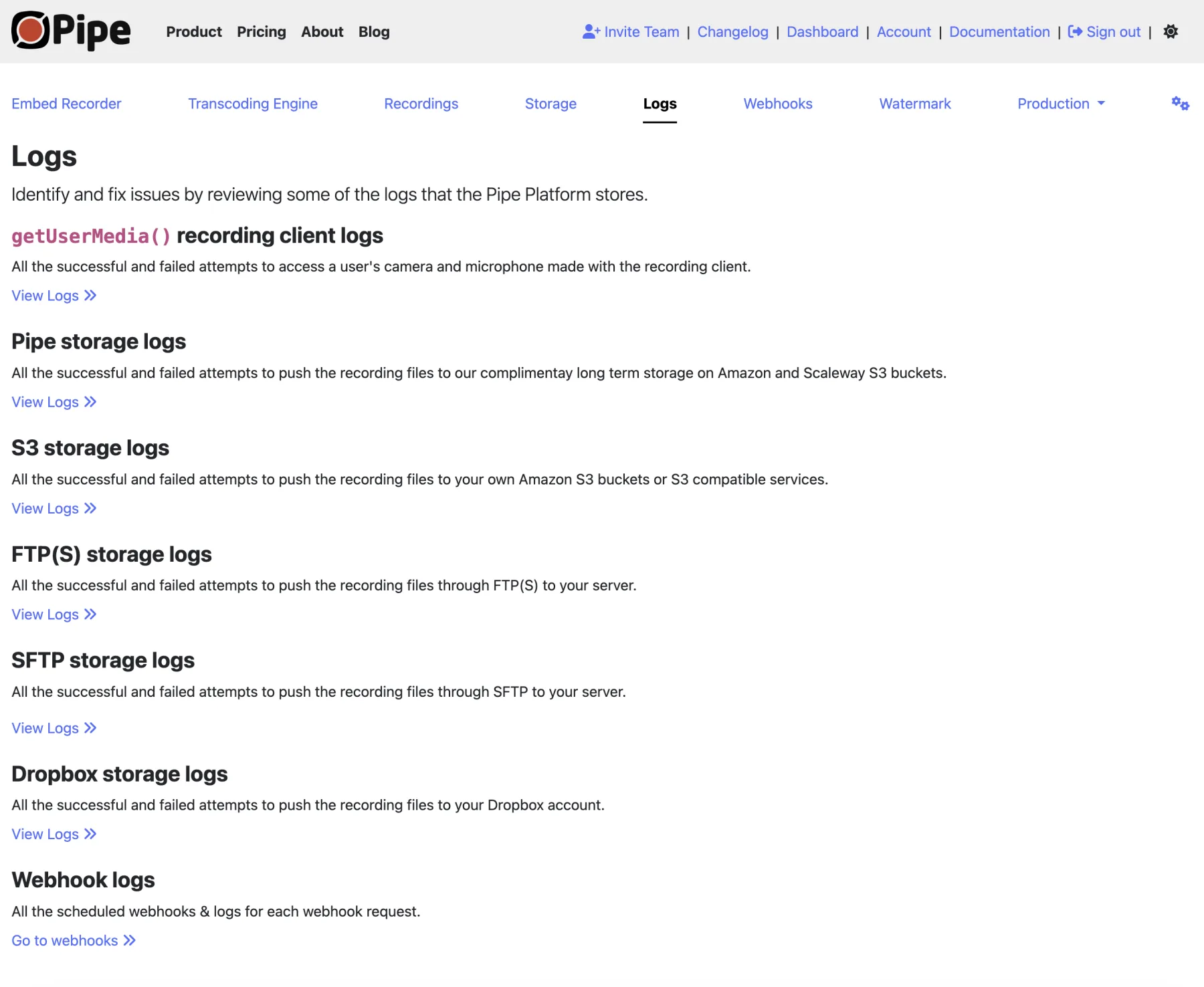
View recordings, generate embed codes, manage storage, read logs and create environments from the AddPipe account dashboard.
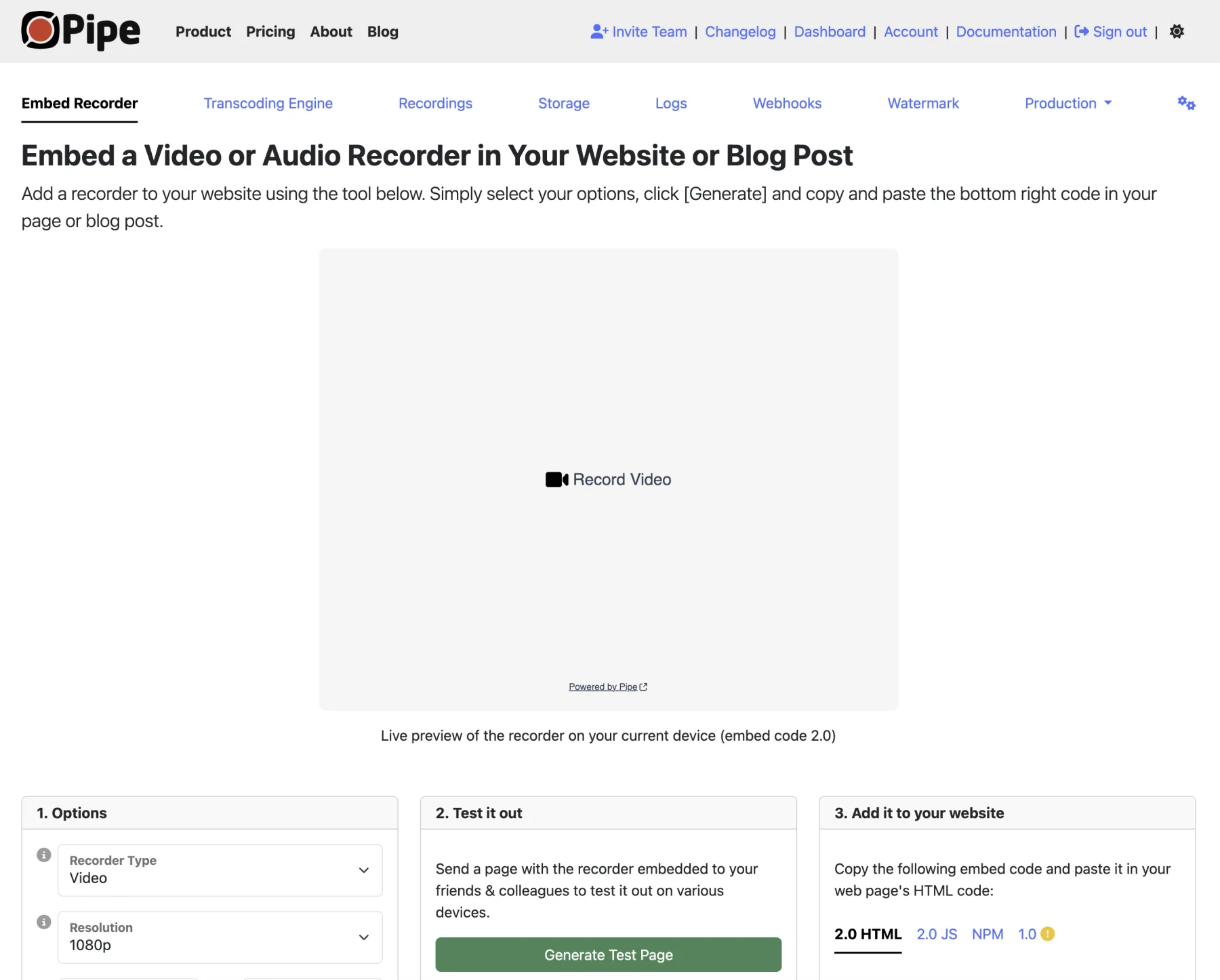
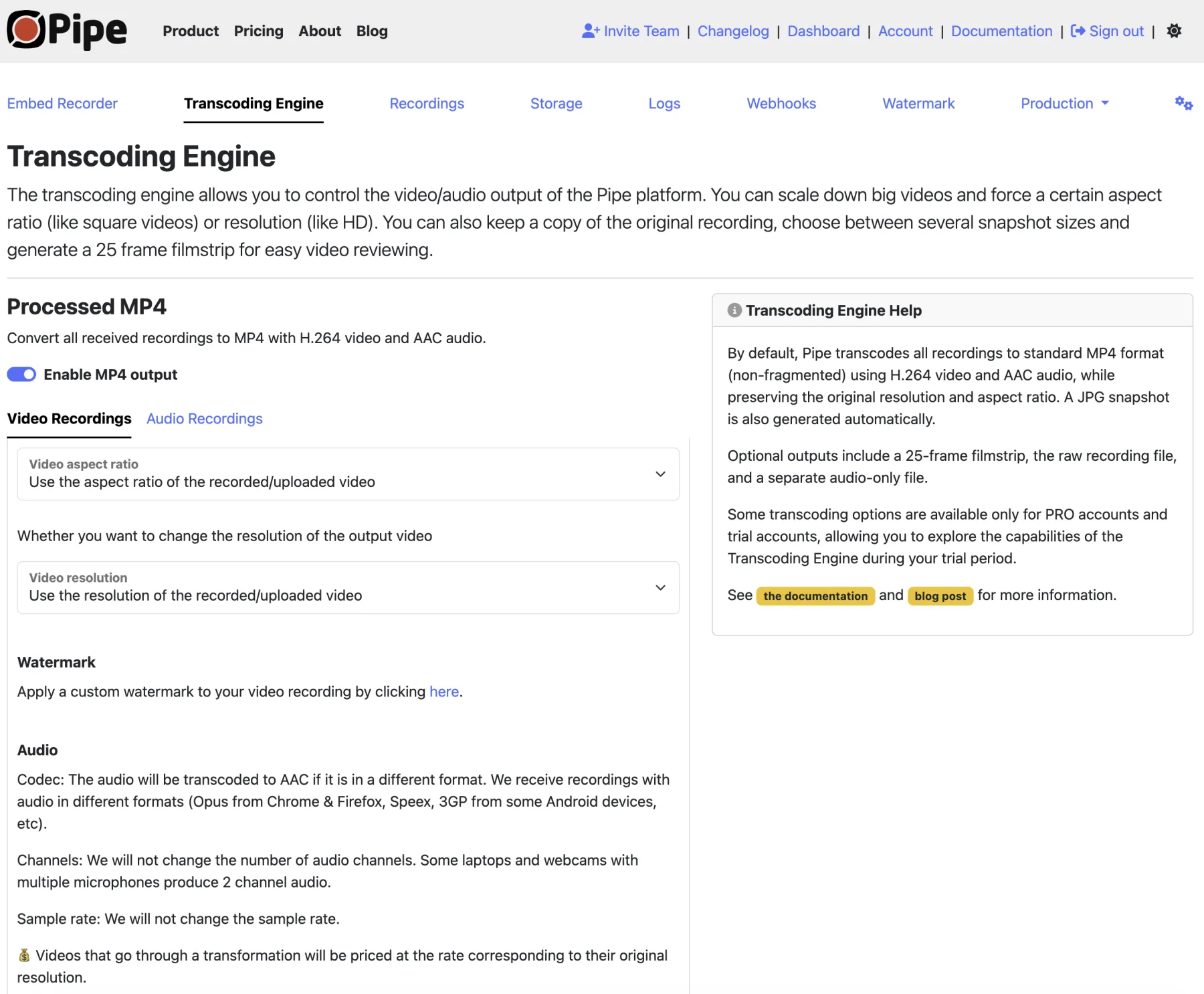
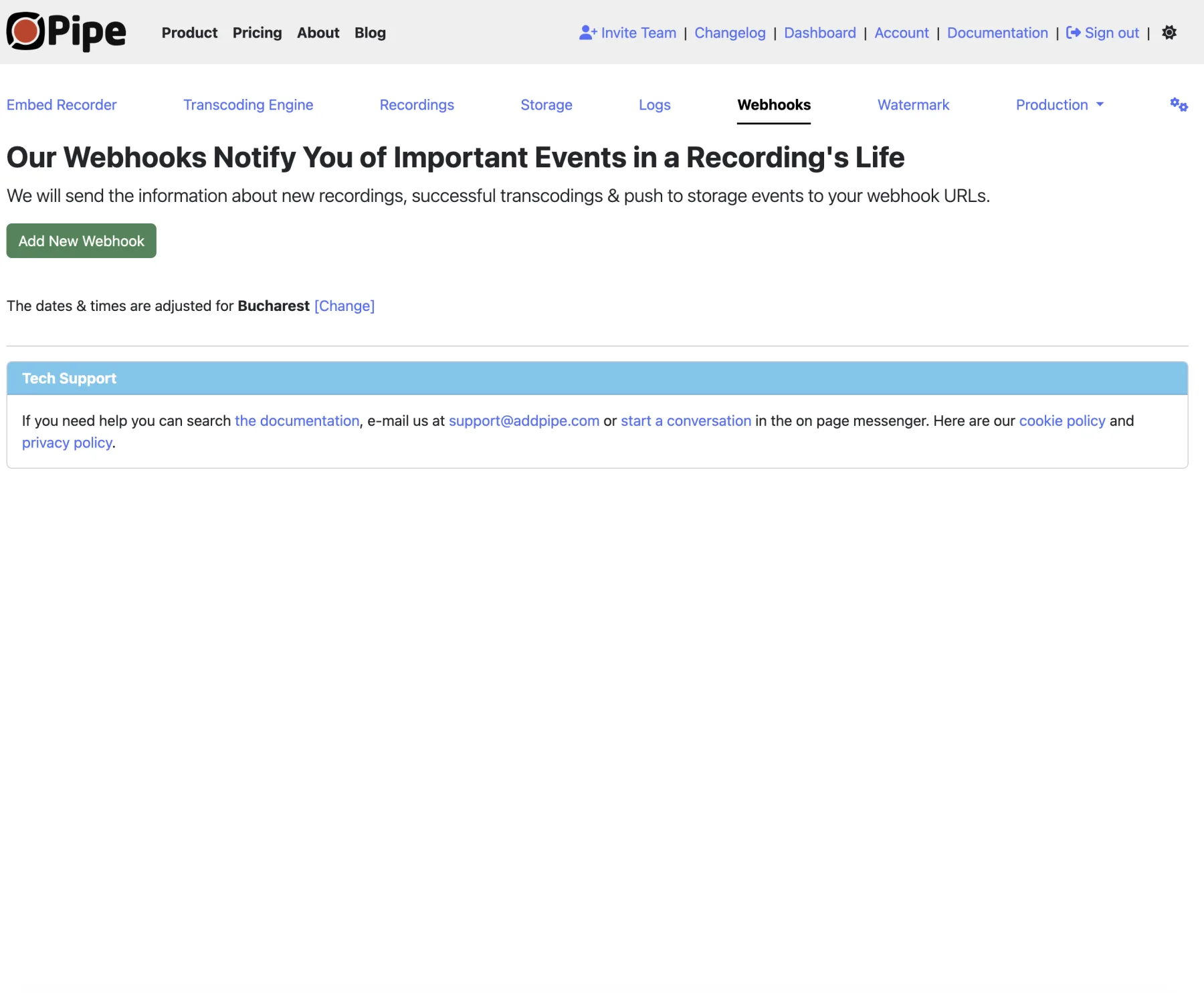
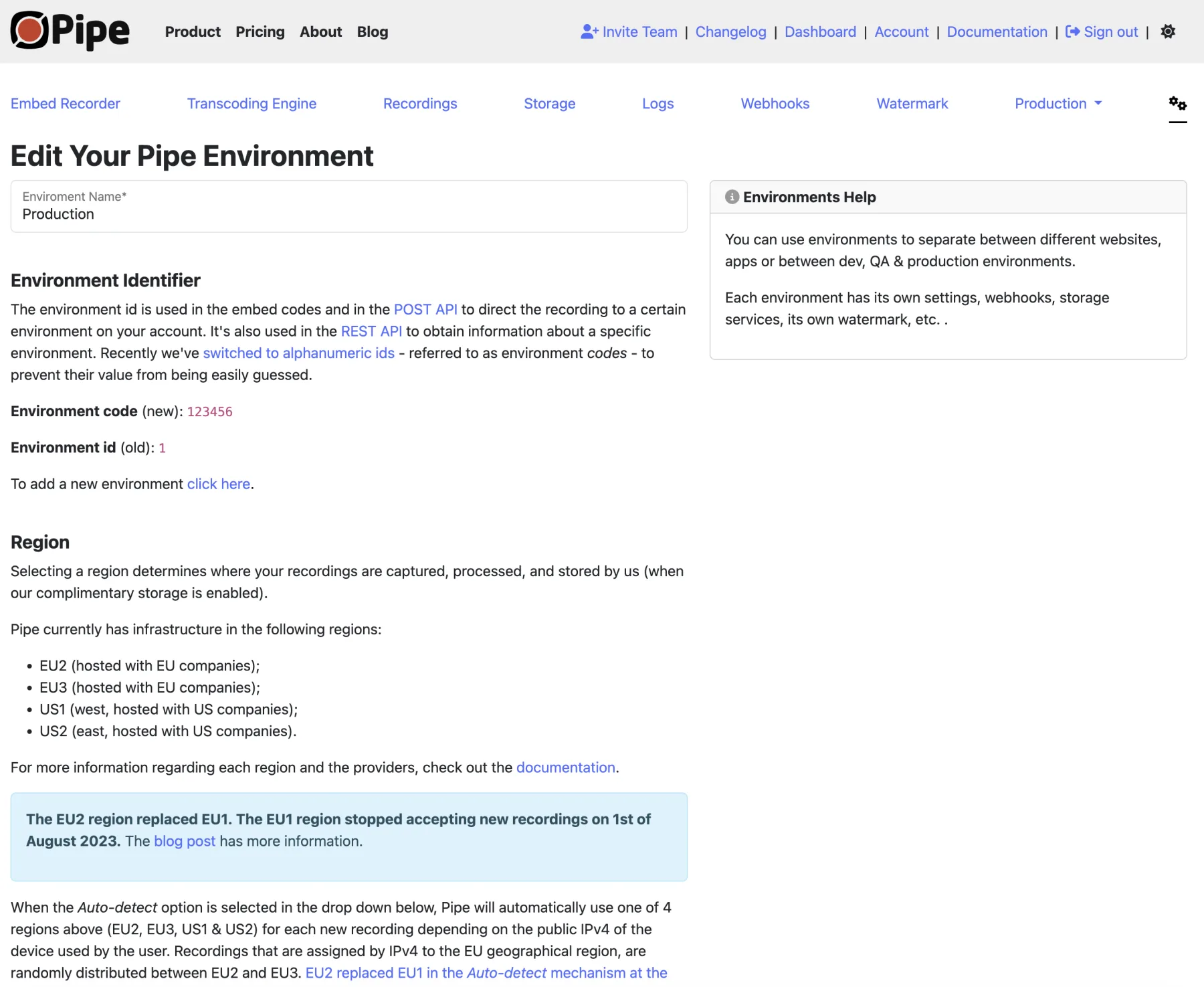
Environments
Keep recordings and settings separate per website, project or client.
Manage recordings
List, search and open every recording from the dashboard.
Times that make sense
All dates and times are shown in your own time zone.
Rich metadata
IP, user agent, device names, codecs and more stored with each recording.
Detailed logs
Storage, webhook and getUserMedia logs make debugging far easier.
Export and invite
Export any environment to .csv and invite developers or QA to the account.
Audited, not just asserted.
Encrypted in transit and at rest, PII collection you control, and a SOC 2 Type I report available to anyone who asks.
Attested. Request the report
Secure recording
Desktop and mobile clients stream or upload every recording over encrypted connections.
Secure storage
Data is encrypted in transit and at rest across ingestion, processing and complimentary storage.
Secure playback
Playback and downloads from long-term storage go over HTTPS.
Secure APIs
REST API and webhooks pass data over HTTPS, closing the door on man-in-the-middle attacks.
Add recording to the tools you already use.
Code examples and step-by-step tutorials for integrating AddPipe with form builders, CMSs, storage providers, LMSs and transcription services.
Add recording to your product today.
Try the complete platform free for 14 days. Recording client, processing, storage, dashboard and APIs included. No credit card required.