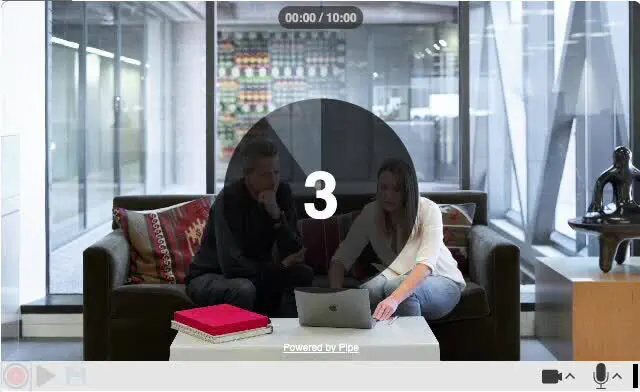
Countdown timer before recording
NewWe added a countdown timer feature to the 2.0 desktop recording client. It can be enabled by setting the new countdowntimer embed code option to a desired countdown value (e.g., setting it to 3 will initiate a countdown starting from 3 seconds).
The countdown begins after clicking the “Record” button, with the seconds prominently displayed in the center of the recording client. If countdowntimer is not set or is set to 0, the recording will start immediately after pressing the “Record” button. By default, the countdown timer is disabled.