Fixed issue with 0 byte recordings from Safari if recording after revoking permissions
Fix Improvement
On Safari on macOS, Safari on iOS, and Chrome on iOS it is easy to revoke camera and microphone permissions after you’ve given them.
For example, on Safari on macOS you can:
- click the grey camera icon in the browser tab OR
- click the red camera icon in the address bar and choose Pause
to temporarily revoke permissions.

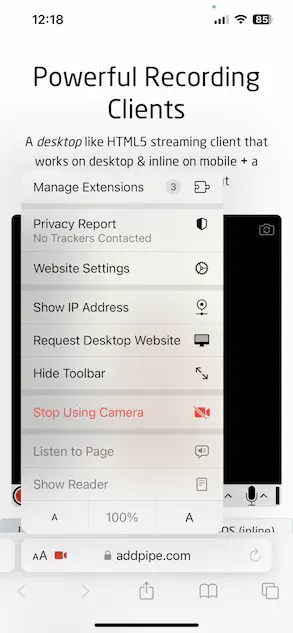
Safari on iOS on the other hand has an easily accessible “Stop Using Camera” option.
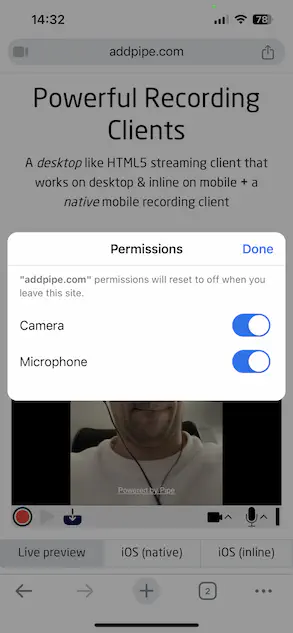
Chrome on iOS also makes it relatively easy to revoke permissions
If a user started recording after permissions were revoked, the recording client temporarily showed the “Waiting for data…” message and then “Device error: no audio or video data”. It also created a 0 byte file.
These scenarios have now been improved. The 0 byte recording is not created anymore and the desktop recording client immediately acknowledges the loss of permissions and gives basic instructions to the user.